

BIM coordination guides
Field notes on federating models, auditing deliveries and getting clean exports out of every authoring tool. New here? Begin with What is BIM?
-
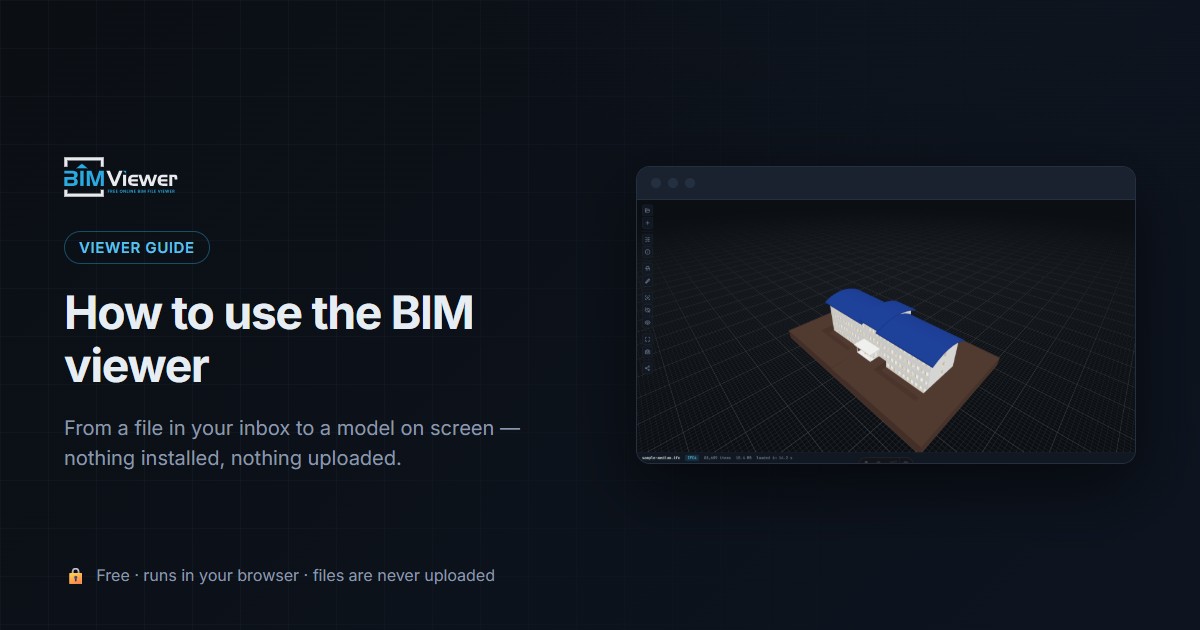
How to use the BIM viewer
Step-by-step tutorial for the free browser BIM viewer: open an IFC by drag & drop, read the tree and properties, cut sections, federate disciplines and snapshot findings — nothing gets uploaded.
August 3, 2026
-
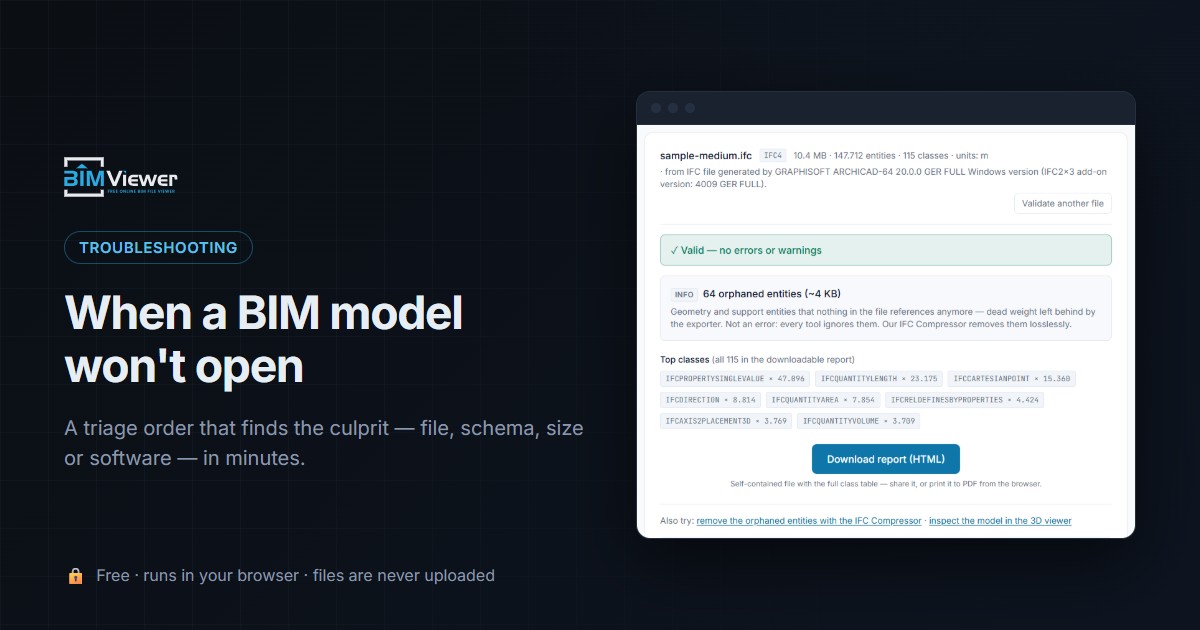
BIM model not opening: the four causes and how to tell them apart
A BIM model that won't open fails for one of four reasons. Here is the triage order that tells them apart in minutes — in a browser, with the file never uploaded.
August 3, 2026
-
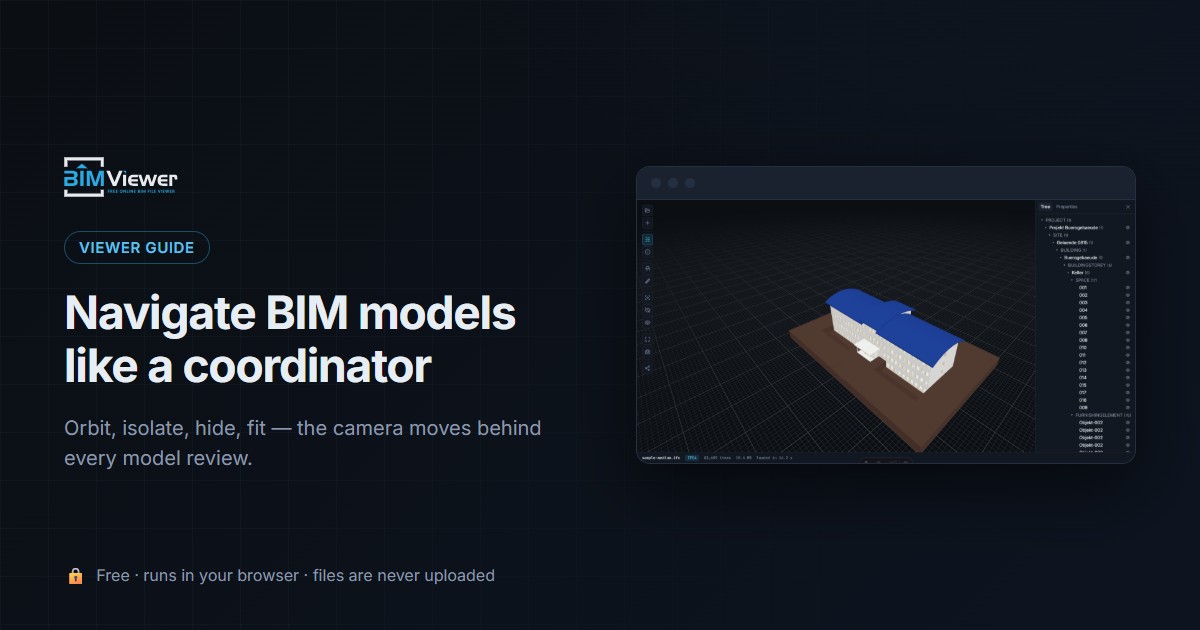
BIM viewer navigation: explore your models
Every way to move through an IFC model in the free browser viewer: the three camera gestures, vantage changes via Fit view and the tree, and navigation by subtraction with isolate and hide.
August 3, 2026
-
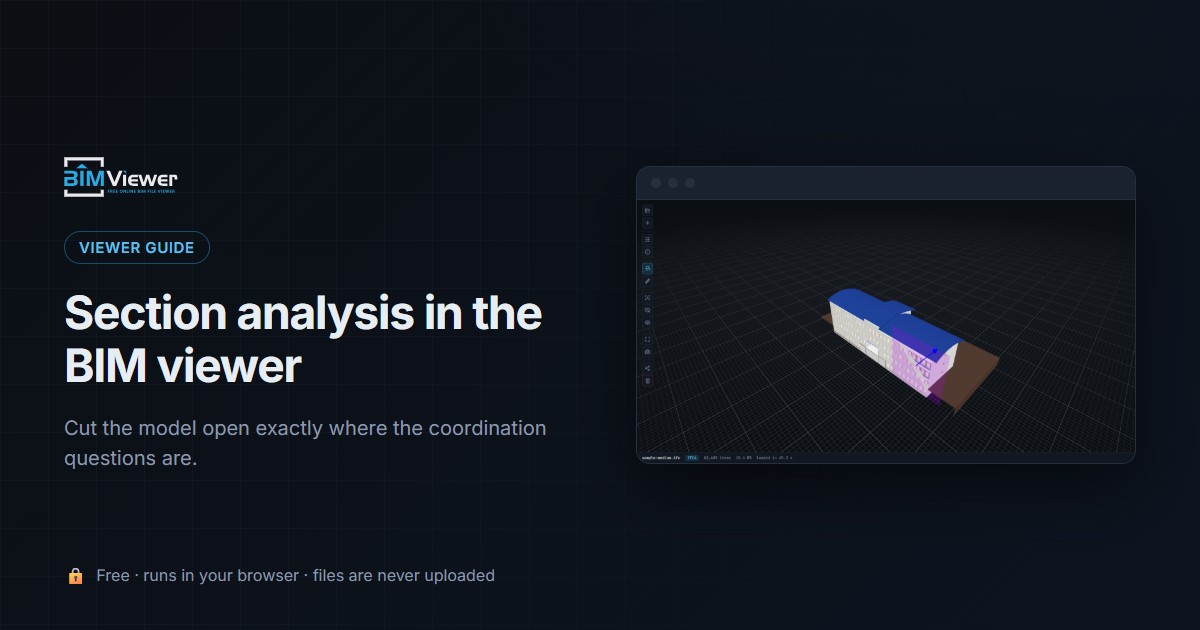
Section analysis: how to cut a BIM model open in the browser
How to make section cuts through a BIM model in the browser: click a surface, drag the plane, combine cuts — and the coordination checks each cut unlocks.
August 3, 2026
-
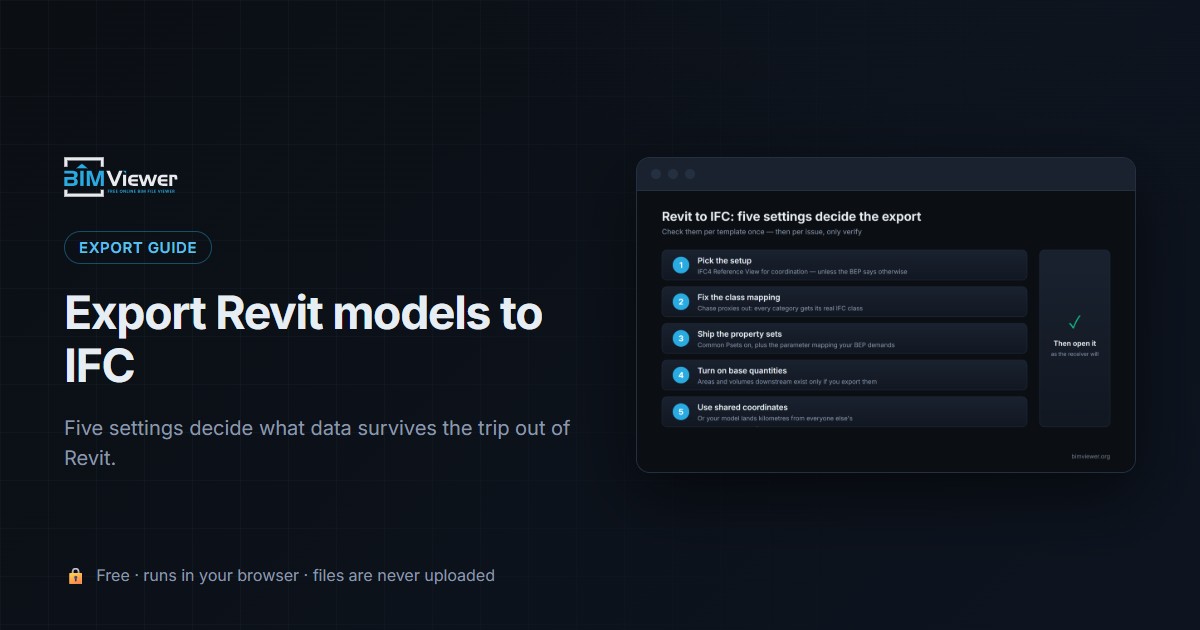
How to export Revit models to IFC (settings that matter)
Revit's IFC export settings decide what data survives: setup choice, class mapping, property sets, base quantities and shared coordinates — plus how to verify the result in a free browser viewer.
August 3, 2026
-
How to open a Revit file online — without Revit
You received an .rvt and don't have Revit. Why RVT won't open outside Revit, three ways to get the IFC instead, and how to view it free in your browser with nothing uploaded.
August 3, 2026


